Editor's Review
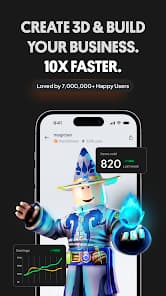
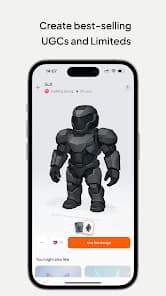
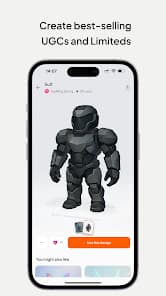
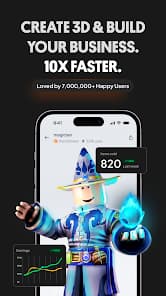
Why choose ordinary when you can create amazing? Explore Customuse, the perfect haven for artists and innovators. With a vibrant community of over 2 million members, you have the ability to craft personalized Roblox skins, eye-catching Zepeto outfits, and distinct Minecraft characters. Looking to create trending filters for social networks? We’re here to help! Express your imagination and bring your concepts to life, whether you’re just starting out or an experienced creator. Begin your adventure now and take charge of the metaverse!
How To Play?
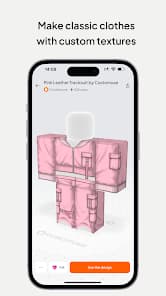
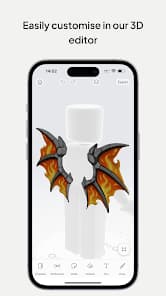
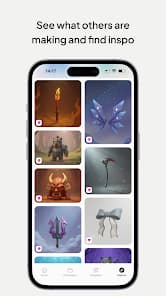
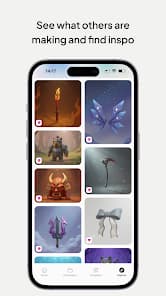
- Begin by browsing through thousands of templates for Roblox, Minecraft, and Zepeto, or put your skills to the test by designing from the ground up.
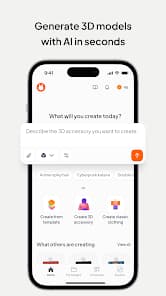
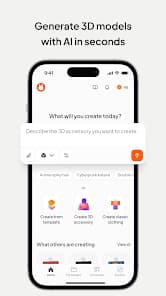
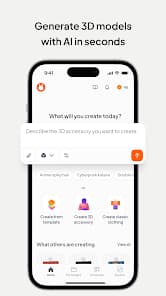
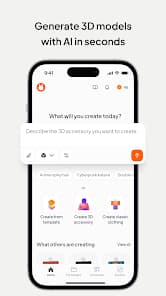
- Make use of AI tools to easily create designs and receive immediate suggestions that match your preferences.
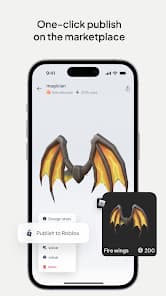
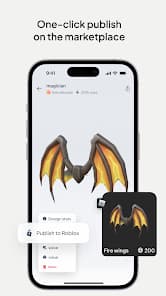
- Share your masterpieces directly on platforms like Roblox, Minecraft, Zepeto, and social media for greater visibility.
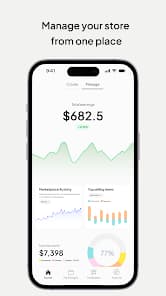
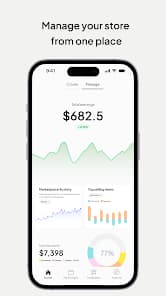
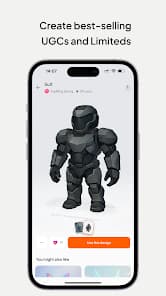
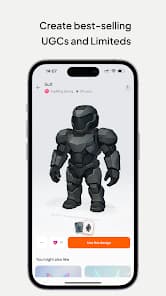
- Monetize your unique designs by selling them in the Roblox and Zepeto marketplaces to turn your hobby into earnings.
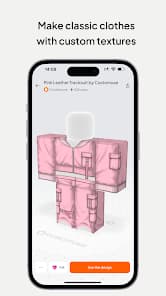
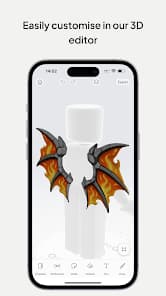
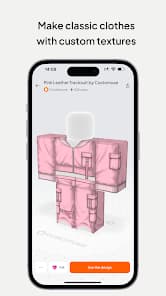
- Play around with 3D clothing mockups to see and adjust your fashion designs before showcasing them to the world.
Frequently Asked Questions
Is Customuse: Skins Maker Roblox free to download?
Yes. Customuse: Skins Maker Roblox is free to download from the official Google Play Store and Apple App Store.
Is it safe to download Customuse: Skins Maker Roblox from PogooGames?
PogooGames does not host or distribute any APK, IPA, or installer files. The download buttons on this page link directly to the official Google Play Store and Apple App Store listing for Customuse: Skins Maker Roblox, so you always install from a verified source.
What device do I need to play Customuse: Skins Maker Roblox?
Customuse: Skins Maker Roblox runs on Android, with an install size of around 147 MB. Check the official store listing for the exact minimum OS version required.
How do I install Customuse: Skins Maker Roblox?
Tap the Google Play or App Store button on this page, then tap Install (or Get) on the official store page. PogooGames never asks you to download a file directly — installation always happens through the official store.
Screenshots

Ratings
4.6
★★★★★